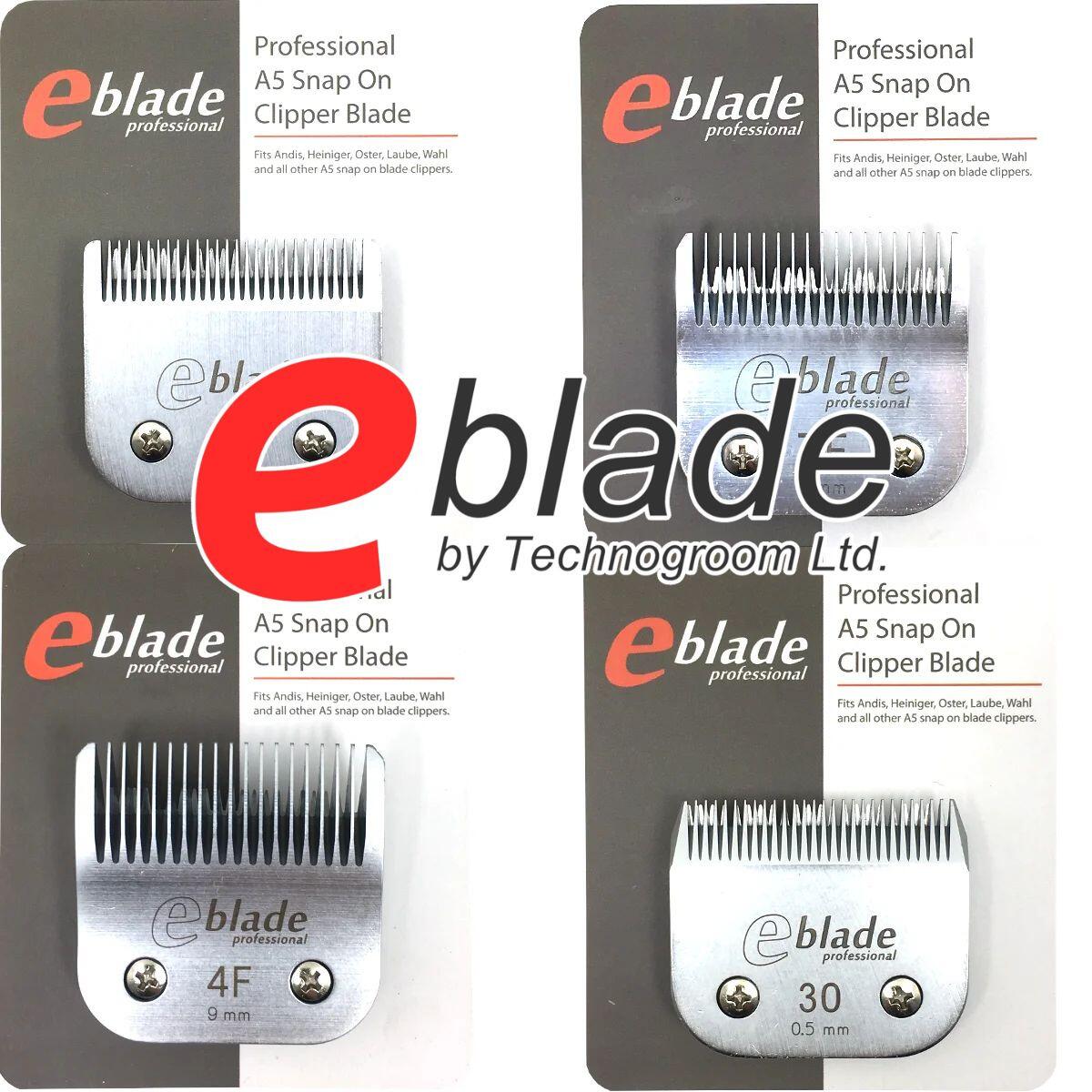
Mastering Your Gear: How to Safely Change Blades on an A5 Professional Clipper
Whether you are a busy professional dog groomer handling back-to-back clients, an equine manager prepping a horse for a show, or a dedicated pet owner grooming at home, your clippers are the backbone of your routine. Among professional tools, the A5 clipper system remains the gold standard for versatility and reliability across major brands like Wahl, Andis, Oster, and Heiniger.
Featured A5 Clippers Available at Technogroom
Top Priority: Wahl KMC+ Series
- Wahl KMC+ Cordless Professional Clipper: The flagship of the Wahl range. Featuring a brushless motor with automatic speed control to power through tough coats and mats, it delivers up to 2 hours of cordless runtime.
- Wahl KMC+ Equine Cordless Clipper: Heavy-duty brushless power specifically outfitted for horses and equestrian yards, engineered to tackle thick coats, feathers, and body clipping with ease.
Elite Performance: Heiniger Saphir Series
- Heiniger Saphir Cordless Clipper: The legendary industry workhorse. Unbelievably reliable, perfectly balanced, and boasting a hot-swappable battery system.
- Heiniger Saphir Style Cordless Clipper: Trusted Saphir engineering wrapped in a stylish, modern patterned casing.
- Heiniger Saphir Corded Clipper: Quiet, lightweight, and engineered for a constant supply of heavy-duty mains power.
Next-Gen Ergonomics: Wahl Supera Series
- Wahl Supera Cordless Clipper: Wahl's ultra-quiet, lightweight cordless A5 clipper. Designed with a slim profile to drastically reduce wrist fatigue during long grooming sessions.
- Wahl Supera Equine Cordless Clipper: Specially packaged and tuned for horse owners and yards. Delivers whisper-quiet, low-vibration performance ideal for trimming sensitive areas like legs, ears, and faces.
Other High-Performance A5 Workhorses
- Heiniger Opal Cordless Clipper: Extremely quiet and powerful with an unmatched 240-minute runtime per charge.
- Wahl KM10 Brushless 2-Speed Clipper: Built to run cooler, last longer, and handle heavy salon volume.
- Andis AGC2 Super 2-Speed Brushless Clipper: Durable, low-maintenance classic favored by commercial salons.
However, we frequently see expensive clippers brought into our service center with damaged drive levers, bent hinge tongues, or dull blades—all caused by one simple mistake: changing the blade incorrectly. Doing it wrong can strip your motor or cause your blades to snag. Doing it right takes less than ten seconds.
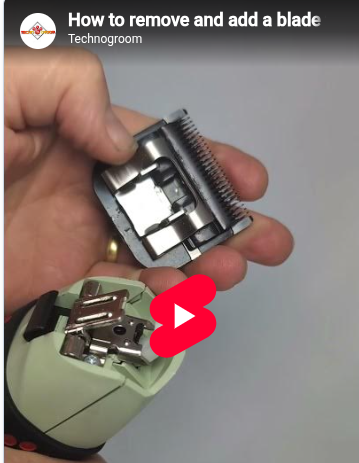
We’ve put together a quick, visual walkthrough to show you the exact professional technique.
Watch Our 60-Second Quick Guide
Step-by-Step: Changing an A5 Clipper Blade the Professional Way
- Turn the Clipper ON:Crucial Step! Always make sure the clipper motor is running before you snap a new blade into position. If you snap it shut while the power is off, the drive lever might not align correctly with the blade’s plastic socket, putting immense stress on the motor or stripping the nylon gear when you turn it on.
- Slide onto the Hinge: With the motor humming, slide the metal socket on the back of your blade firmly down onto the clipper's protruding hinge tongue.
- Snap it Shut: Guide the blade toward the clipper body and press down firmly until it clicks securely into place. You will instantly hear the blade teeth lock into rhythm with the motor.
- To Remove: Turn the clipper off. Press down the metal release latch or button located underneath the clipper head, pull the blade backward away from the body, and slide it gently off the hinge tongue.